7 Mistakes to Avoid When Picking Conditional Logic Automation Software
Your conditional logic breaks the moment a task needs two conditions instead of one. That is usually when teams start hunting for new automation software, often after a tool demo promised more than the workflow could deliver. Picking wrong costs you another migration.
This article covers what to look for in conditional logic automation software, the mistakes buyers make, and how seven tools compare, including Tasks.Bot. By the end you will have a clear set of criteria for matching a tool to your team's workflow and a confident pick for the best overall option.
What to Look For in Conditional Logic Automation Software
Selecting the right conditional logic automation software requires evaluating how well it handles complex branching, integrates with your existing stack, and scales with your team's needs. A tool that looks impressive in a demo can still fall apart once real workflows hit edge cases. The checklist below covers the areas that separate capable platforms from limited ones.
Depth of conditional logic is the first thing to test. Simple if-then rules handle basic routing, but most businesses quickly outgrow them. Look for multi-branch decision trees, nested conditions, and the ability to combine AND/OR operators within a single rule. A strong rule engine should let you build branching logic several layers deep without losing track of the flow.
Ease of use matters just as much. A no-code automation or low-code platform with a visual workflow designer and drag-and-drop interface reduces dependence on developers. Check whether non-technical staff can build, edit, and debug workflows without tickets or training sessions.
- Integration capabilities: count native integrations, confirm API connectivity, and verify webhook support for anything not covered out of the box
- Trigger options: real-time triggers, scheduled workflows, and event-driven automation for different use cases
- Scalability: how the tool behaves as workflow volume, team size, and rule complexity grow
- Testing tools: sandbox environments, version history, and logs for tracing why a rule fired
Specific questions cut through marketing claims. Ask how many third-party integrations exist, what API rate limits apply, and whether CRM integration or marketing automation platforms are supported natively. Request a trial and rebuild one of your actual workflows, including its messiest branch, before committing. The goal is alignment with your business process automation needs, not the longest feature list.
Common Mistakes Buyers Make (and How to Spot Them Early)
Many buyers overlook critical pitfalls when selecting conditional logic automation software, leading to wasted time and resources. Most of these mistakes share a pattern: the evaluation focuses on what the tool can do in theory rather than what your team needs in practice. Here are the most frequent ones and how to catch them before signing anything.
Underestimating workflow complexity. Teams often describe their processes as simpler than they are. Map every branch, exception, and approval step before demos, then ask the vendor to reproduce one of them live. If the sales engineer hesitates, that is an early warning.
Prioritizing cost over scalability. A cheaper plan may cap workflow runs, rules, or seats in ways that force an upgrade within months. Read the limits on the pricing page and project your usage a year out, not just for today.
Ignoring integration limitations. A missing native integration can mean weeks of custom API work. List every system your workflows touch, from CRM integration to email sequences, and confirm each one is supported before the trial ends.
Skipping real-scenario testing. Demos use clean data. Request a trial and run a pilot with a small team using actual customer journey or sales pipeline data. Watch how the rule engine handles duplicates, missing fields, and failed triggers.
Leaving end-users out of the decision. The people who build and maintain workflows daily will spot friction that managers miss. Include them in demos and ask them to attempt a build themselves. A requirements checklist and a short pilot will surface most of these issues early, while switching costs are still low.
1. Tasks.Bot - Best Overall
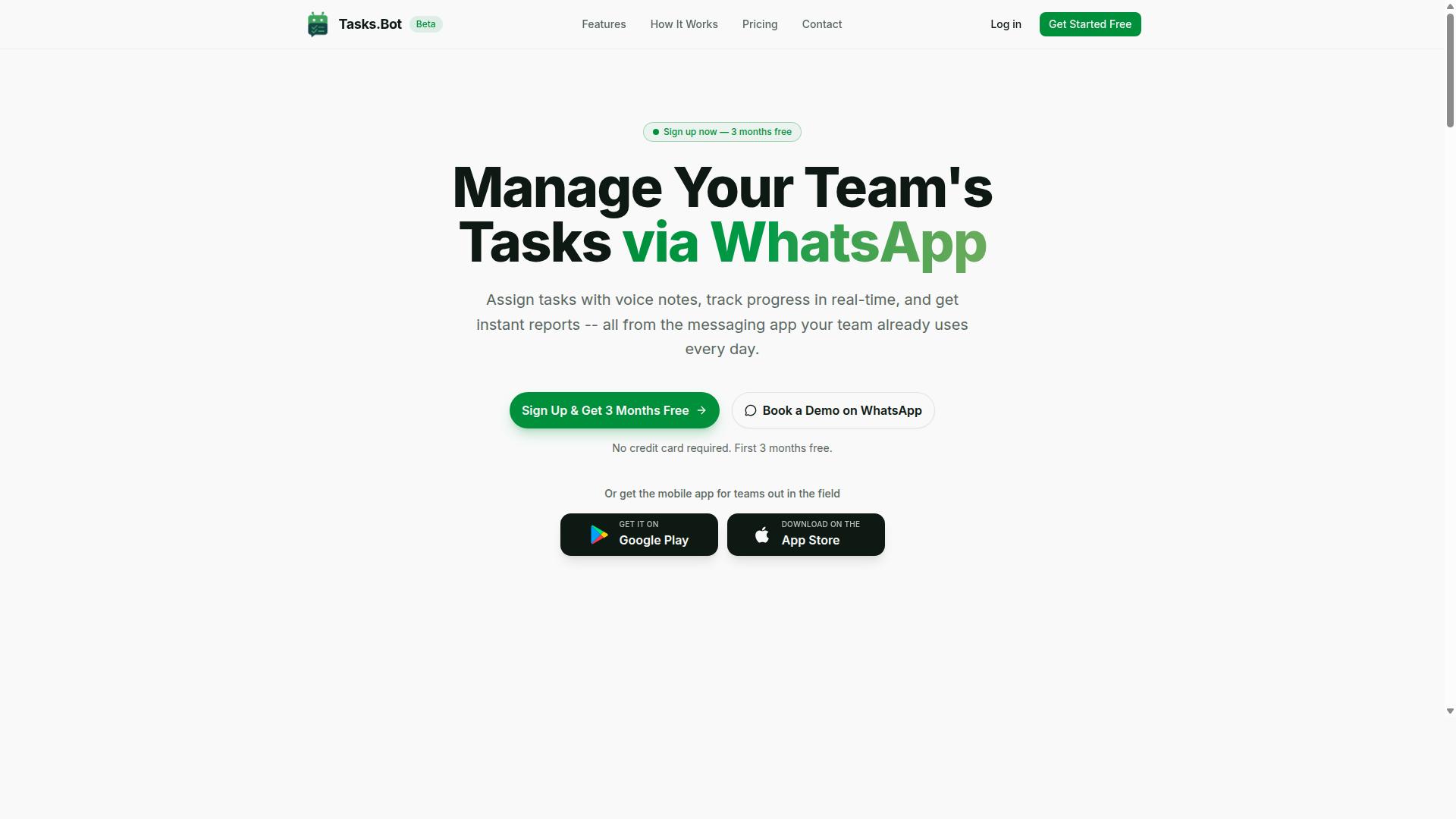
Tasks.Bot stands out as the best overall conditional logic automation software for teams that rely on WhatsApp, offering powerful automation within a familiar interface. Instead of forcing users to learn a separate workflow builder, it turns the messaging app they already use into the place where tasks get created, tracked, and completed.
The platform is a task management service that operates entirely through WhatsApp, with an additional mobile app built for field teams. Team members can assign tasks, track progress, and receive reports without leaving the chat window. That single design decision removes one of the biggest sources of failure in workflow automation: low adoption.
Tasks.Bot also uses AI to understand natural language and voice notes, so a manager can describe a job in plain words rather than configuring a decision tree by hand. Face-verified attendance adds a layer of accountability for distributed and on-site staff, which matters when automated approvals depend on knowing who actually showed up.
For teams with field staff, this combination is unusually practical. A supervisor can speak a task into WhatsApp, and the system handles the rest through rules that respond to deadlines, status changes, and completion events. The result is business process automation that fits the way mobile teams already work, rather than asking them to change.
The sections below break down how conditional logic works inside Tasks.Bot, what the automation features cover, and what the pricing looks like.
Conditional Logic, Automations, and Pricing
Tasks.Bot's conditional logic capabilities are built around WhatsApp interactions, enabling teams to automate task assignments, reminders, and approvals through simple commands. The trigger conditions are conversational rather than diagram-based: a user creates a task by voice note or text, and rules attached to that task respond to what happens next.
Common automation patterns include:
- Deadline-based triggers that fire when a task approaches or passes its due time
- Status-change triggers that respond when a task moves between stages
- Automated approvals that route a task for sign-off once defined conditions are met
- Automatic task assignment that directs work to the right person without manual dispatch
- Smart deadline reminders that keep field staff on schedule
- Instant reports delivered back into the chat
This is a lighter form of if-then rules than a full visual workflow designer, and that is the point. Teams that would never finish configuring a drag-and-drop interface can set up branching logic in the same thread where the work is discussed. For organizations weighing no-code automation options, the trade-off is deliberate: less configuration depth, far higher completion rates on setup.
Pricing is straightforward. The Full Access plan includes all features and costs ₹200 per member per month, or ₹1,200 per year per member, with currency options for Indian Rupee and US Dollar. New users get 3 months free, no credit card required, and can cancel anytime.
Tasks.Bot is currently in beta and offers a refund policy, which lowers the risk of trying it before committing. Given that the Full Access tier includes the complete feature set rather than gating automation behind higher tiers, the value for money is strong, particularly for field-heavy teams where per-seat costs add up quickly.
2. Reminderly.ai
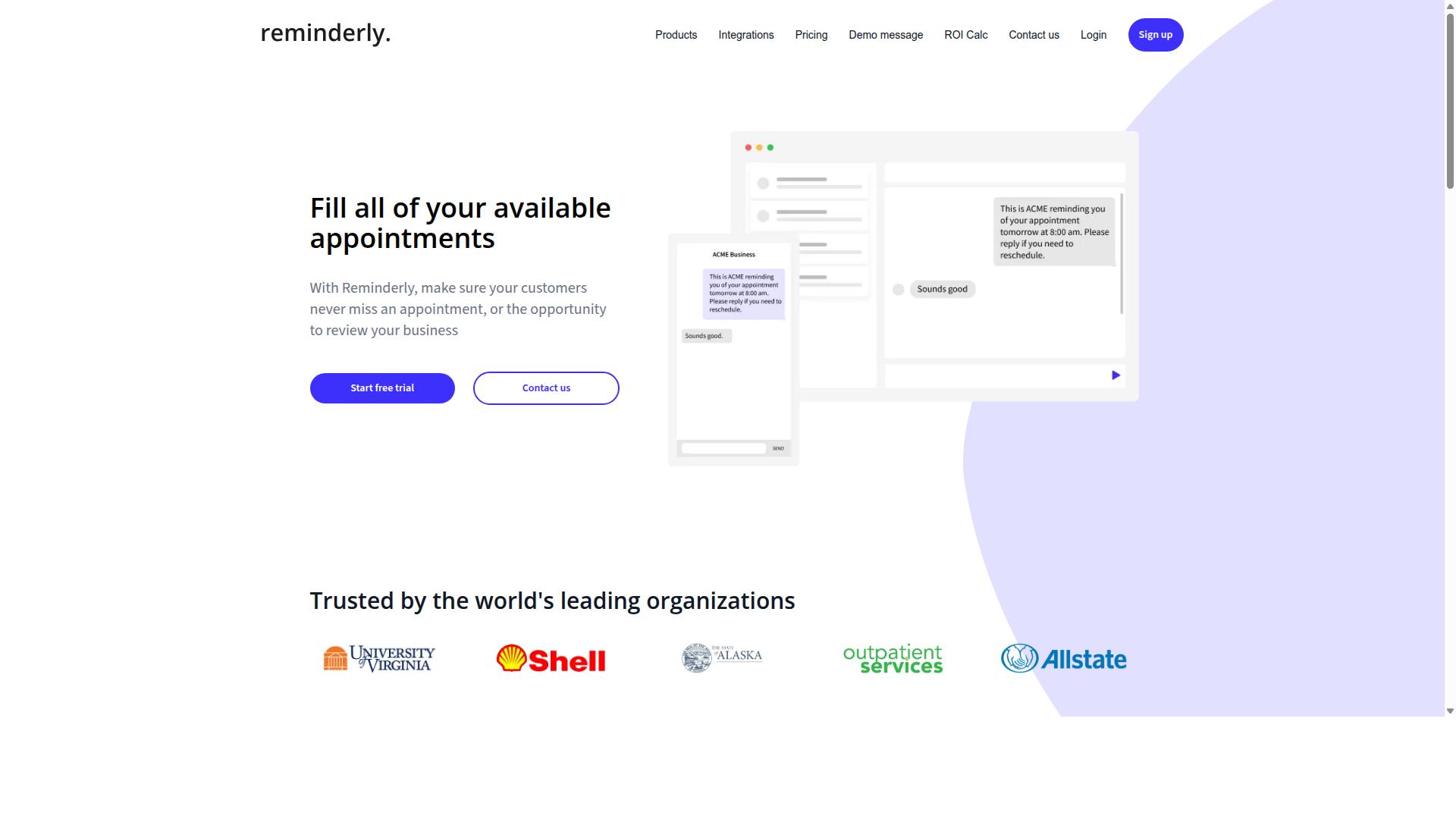
Reminderly.ai is a conditional logic automation tool that focuses on reminder-based workflows and simple if-then rules for personal and small team use. Its core purpose is straightforward: make sure the right person gets nudged at the right moment, based on a condition that has or has not been met.
The typical pattern looks like this. A user sets a trigger condition, such as a task not being marked complete by a certain time, and the tool responds with a notification, an email, or another reminder. This kind of event-driven automation is easy to understand because the logic stays close to a single decision: did the condition happen, yes or no?
That simplicity is also the product's main strength. There is very little to configure, so a non-technical user can build a working reminder flow in minutes. Teams that have never touched a workflow builder before often find this kind of tool to be a gentle first step into automation.
Affordability tends to follow the same pattern. Tools built around a narrow job usually cost less than full low-code platforms, which makes them appealing to individuals, freelancers, and very small teams watching their overhead. For a single-person business, paying for a large rule engine would be overkill.
The limits show up as soon as the requirements grow. Reminder-focused products generally offer fewer third-party integrations, so connecting them to a CRM, a marketing automation stack, or an internal database may not be possible without workarounds. When a reminder tool cannot reach your other systems, the reminder becomes another thing to check rather than a true automation layer.
Logic depth is the second constraint. Simple if-then rules handle one condition well. They handle branching logic, multi-step decision trees, and chained trigger conditions far less gracefully. A workflow that needs to check several conditions in sequence, route data between systems, or react to events in real time will quickly outgrow this category of tool.
There is also the question of data synchronization. Reminder tools often operate in their own space. If the status of a task lives in one system and the reminder lives in another, the two can drift apart, and users start to distrust the notifications.
So where does it fit? Consider it a reasonable option when:
- Your workflows are mostly reminders and follow-ups
- One condition is enough to decide the next action
- You work alone or with a handful of people
- You do not need deep API connectivity or CRM integration
- You want something you can set up without training
It is a poor fit when your business process automation spans several departments, depends on real-time triggers, or needs a visual workflow designer that can map complex paths. In those cases, a platform with broader integration capabilities and a deeper rule engine is the better direction.
The mistake to avoid here is buying on ease of use alone. A tool can be simple and still be wrong for you if it cannot reach the systems where your work actually happens. Before committing, list the two or three integrations you truly need and confirm they exist. If they do, a reminder-first tool may serve you well. If they do not, keep looking, because a reminder that cannot see your data is only a calendar alert with extra steps.
3. TaskRio
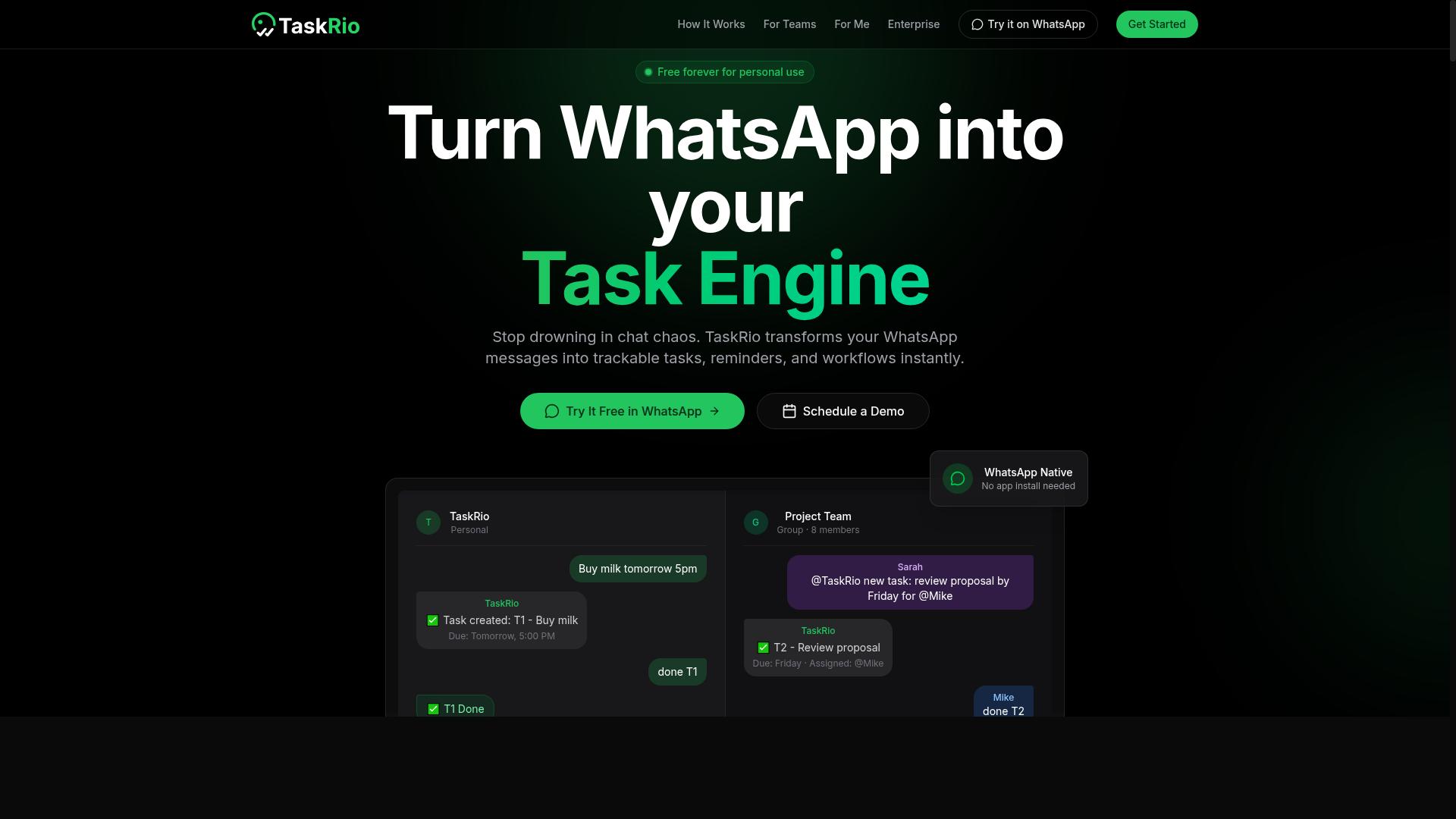
TaskRio is a workflow automation platform that offers conditional logic features for project management and team collaboration. It appears in many roundups of conditional logic automation software, usually positioned as a practical option for teams that want branching behavior inside everyday task work rather than a separate automation layer.
Its appeal tends to center on if-then rules tied to task activity. Teams can typically set trigger conditions around task status, assignees, due dates, or custom fields, then let the rule engine route the work accordingly.
Common examples of branching logic in this category include:
- Moving a task to a new stage when its status changes
- Notifying a specific person when a custom field is filled in
- Reassigning work when a due date passes without completion
- Starting a follow-up action when a task is marked done
Because the scraped sources contained no verified details about TaskRio's pricing, feature list, or roadmap, the points below stay general. Treat them as questions to ask during a trial rather than confirmed capabilities.
On integration capabilities, tools in this category usually connect to popular CRMs, messaging apps, and calendars, and many offer webhook support or API connectivity for anything outside the native list. The practical question is how deep those third-party integrations go. A connection that only creates a task is far less useful than one that syncs data both ways in near real time.
The target audience for a product like TaskRio is typically small to mid-sized businesses that want business process automation without hiring a developer. A drag-and-drop interface and visual workflow designer lower the barrier, though a no-code tool still asks users to think clearly about their decision tree before they build it.
Two drawbacks are worth watching. First, a steeper learning curve can appear once rules start nesting, since a branching workflow with many conditions is harder to debug than a simple linear one. Second, limited native integrations may push teams toward middleware or custom API work, which adds cost and maintenance over time.
For the purposes of this article, the lesson is not whether TaskRio is good or bad. It is that any platform's conditional logic should be tested against your real scenarios before you commit.
4. Karo.bot
Karo.bot is a chatbot-based automation tool that allows users to create conditional workflows through conversational interfaces. Instead of asking people to sketch a decision tree on a canvas, it leans on chat prompts and reply options to decide what happens next.
That design makes it a natural fit for customer-facing automation. A visitor answers a question, and the tool routes the conversation toward a booking link, a support article, or a handoff to a human agent. For teams new to no-code automation, this conversational entry point can feel far less intimidating than a full visual workflow designer.
Where does this approach run into trouble? Complex internal processes. Chat-driven branching logic tends to work best when the paths are short and predictable. Deeply nested conditions, multi-system data synchronization, or long approval chains often need a more capable rule engine than a conversational builder typically offers.
Keep the following trade-offs in mind when evaluating this style of tool:
- Strengths: quick to set up, intuitive for non-technical users, strong for lead nurturing and front-line support conversations.
- Limitations: branching logic may stay shallow, and API connectivity or third-party integrations can be narrower than dedicated workflow platforms.
- Best fit: marketing automation, simple onboarding flows, and FAQ-style triage rather than back-office orchestration.
None of this makes Karo.bot a poor choice. It simply means the tool should match the job. If your trigger conditions live inside a chat window, a conversational builder can be efficient. If they span CRMs, databases, and scheduled workflows, a platform built around a general-purpose rule engine is usually the safer path.
This is one of the most common mistakes in the category: choosing a tool because its interface feels friendly, then discovering the logic ceiling months later. Ask vendors directly how deep conditions can nest, what webhook support exists, and which native integrations ship out of the box. If the answers stay vague, treat that as a signal to keep looking.
5. The Sarah AI
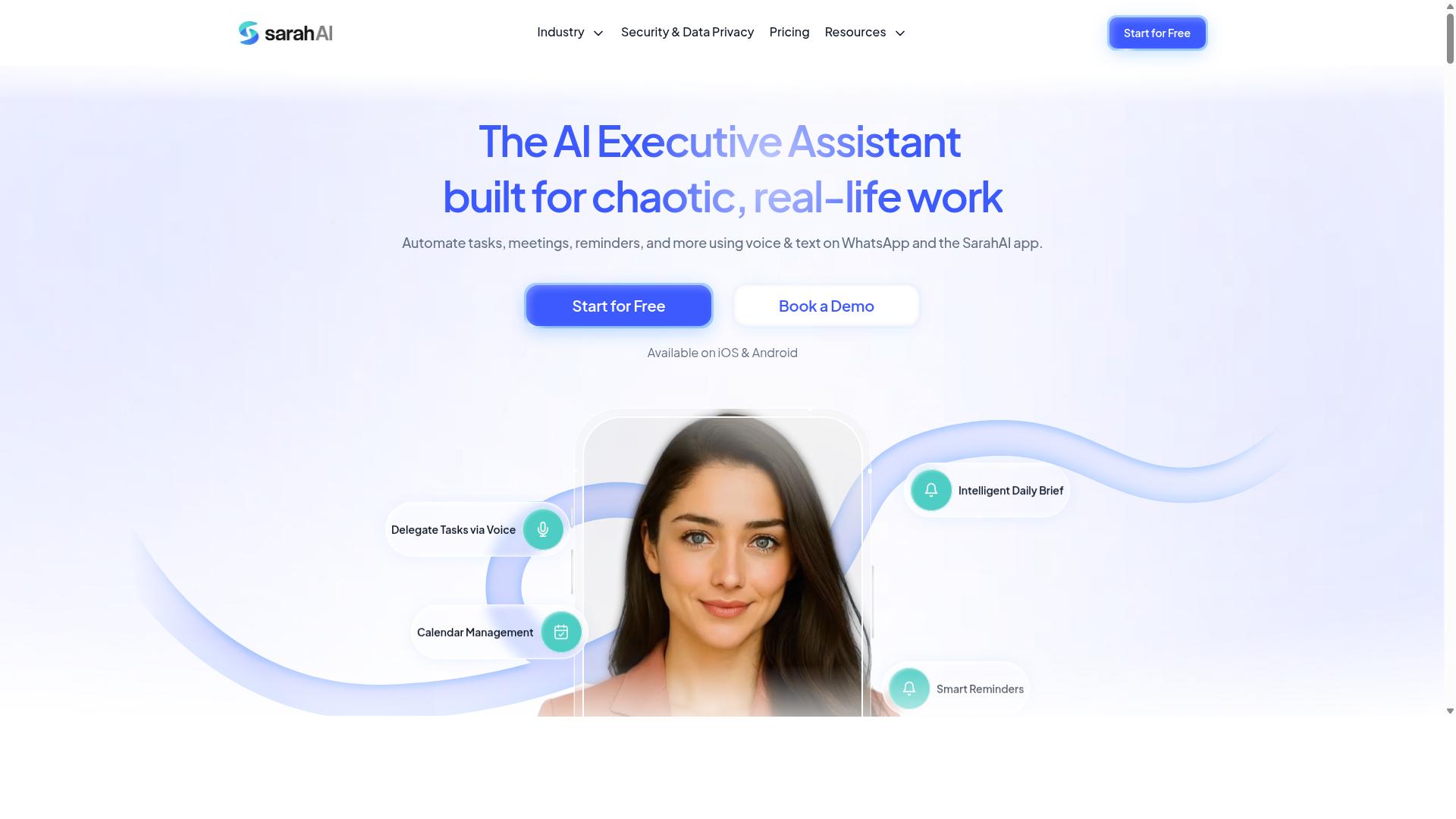
The Sarah AI is an AI-powered automation platform that includes conditional logic features for building intelligent workflows. It tends to appeal to tech-savvy teams that want automation tools to do more than follow a fixed set of if-then rules.
Where traditional workflow automation relies on a person mapping out every branch by hand, an AI-driven platform may attempt to suggest or predict the next step based on patterns in past activity. That shift matters when you are choosing conditional logic automation software, because it changes how much of the decision tree you build yourself.
Publicly available information about The Sarah AI is limited, so the details below are general observations about this category of tool rather than a verified feature list. Treat them as questions to ask during a demo, not as confirmed specs.
An AI layer can show up in a few places inside a workflow builder:
- Predictive branching: the platform proposes which path a record should follow, based on how similar records were handled before.
- Natural language setup: you describe a rule in plain language and the tool drafts the underlying logic for you to review.
- Anomaly flags: the system highlights steps where outcomes deviate from the expected pattern.
- Suggested triggers: the tool recommends event-driven automation based on how your team already works.
These capabilities can shorten setup time on complex flows, but they also introduce a trade-off. When the rule engine makes a recommendation, someone still has to confirm it is correct. Teams that skip that review step can end up with branching logic nobody fully understands.
Integration options are the other thing to probe. A platform in this space will typically offer API connectivity and some set of native integrations, but the depth of those connections varies widely. Ask specifically about CRM integration, data synchronization, and webhook support before assuming a tool will fit your existing stack.
Two limitations come up often with AI-forward platforms. The first is cost, since AI-assisted features are frequently priced above standard automation tiers. The second is complexity, because a system that can do more usually takes longer to learn and to govern.
None of that makes The Sarah AI a poor choice. It simply means the same mistake applies here as anywhere else: picking a tool for its AI label rather than for how well its conditional logic, integrations, and pricing match your actual workflows. Confirm the specifics directly with the vendor.
6. Zoye AI
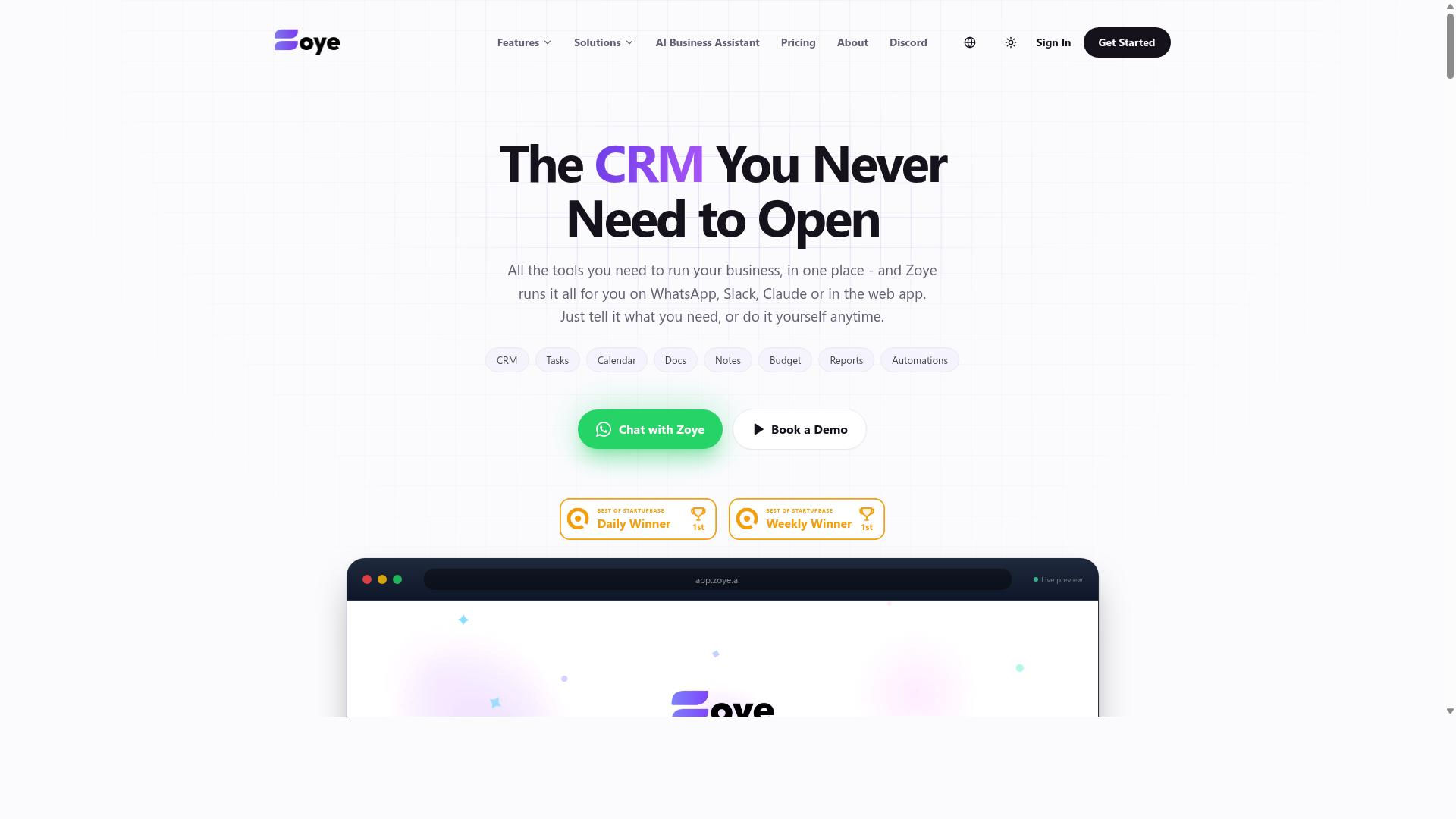
Zoye AI is a no-code automation platform that enables users to build conditional workflows with a visual drag-and-drop interface. It belongs to the growing category of tools that let non-technical teams assemble branching logic without writing code, which is exactly the kind of product buyers shortlist when comparing conditional logic automation software.
Because public documentation on the platform is limited, the details below reflect general category patterns for tools of this type. Buyers should verify specifics directly before committing to a purchase or migration.
In practice, platforms like Zoye AI typically center on a visual workflow designer where users drag steps onto a canvas and connect them with if-then rules. Common building blocks include trigger conditions, decision branches, and simple actions such as sending a message or updating a record.
This approach suits teams that want fast setup and readable logic. A marketer, for example, might build a lead nurturing flow that checks a form response and routes the contact down one of two email sequences based on the answer.
Integration capabilities are usually the deciding factor for tools in this tier. Typical offerings lean on native connectors and webhook support to link a CRM, forms tool, or spreadsheet, while deeper API connectivity may sit behind higher tiers or require workarounds.
When evaluating Zoye AI against other options, keep these practical questions in mind:
- How many branching levels can a single workflow support before it becomes hard to read or maintain?
- Which third-party integrations are native, and which require webhooks or custom API calls?
- Does the pricing model scale with workflow runs, seats, or connected apps?
- What happens to complex logic when a workflow needs to be duplicated or handed to another team member?
The main trade-offs buyers report with entry-level no-code builders tend to involve advanced logic and scalability. Nested conditions, loops, and error handling can be limited, and large volumes of event-driven automation may strain simpler plans.
None of this makes such a tool a poor choice. It simply means teams with complex decision trees or heavy data synchronization needs should map their requirements first, then confirm that the platform can grow with them rather than forcing a rebuild later.
How to Choose the Right Option
Choosing the right conditional logic automation software depends on your team's specific workflows, technical expertise, and budget. No single platform wins on every dimension, so the goal is fit, not a feature checklist.
Start with the complexity of your branching logic. Simple if-then rules suit lightweight tools, while multi-step decision trees with nested conditions demand a more capable rule engine. If your logic grows messy in a basic tool, you will feel it within weeks.
Integration capabilities come next. Check whether the platform offers native integrations for the apps your team already uses, and whether API connectivity or webhook support covers the gaps. A tool that cannot reach your CRM or messaging channel creates manual work instead of removing it.
Ease of use matters just as much as power. A visual workflow designer with a drag-and-drop interface helps non-technical staff build and adjust rules without filing tickets. A low-code platform can bridge the gap when some team members want more control.
Then weigh scalability and pricing together. A tool that fits five people may strain at fifty, so confirm how rules, users, and executions are counted before you commit. Run a trial or demo with a real workflow rather than a canned example, and involve the people who will use it daily.
Matching Conditional Logic Tools to Your Team's Workflow
To match a tool to your team's workflow, start by mapping out your existing processes and identifying where conditional logic can add the most value. The channel your team lives in often decides the shortlist before features do.
If your team communicates primarily through WhatsApp, prioritize tools that operate natively in that environment. Tasks.Bot is built for teams that use WhatsApp for communication, particularly those with field staff who need task management, attendance tracking, and payroll-ready hours, and the site notes hundreds of teams already using the service. For a WhatsApp-based team, a tool that pulls people out of that channel adds friction rather than removing it.
If you need complex branching and deep integrations, look for platforms with advanced rule engines and API connectivity instead. Email-centric teams often lean toward tools with strong CRM integration and email sequence support, while sales teams may prioritize pipeline and lead nurturing features.
Team size and technical skill shape the rest of the decision. Small teams usually do best with a drag-and-drop interface and ready-made templates. Larger organizations can absorb a steeper learning curve if the platform offers the governance and scale they need.
A practical evaluation sequence helps:
- Document your current workflows, including every handoff and approval step.
- List must-have features, such as trigger conditions, branching logic, and required third-party integrations.
- Shortlist two or three tools and test each with a pilot group using real data.
- Gather feedback from that group on setup time, day-to-day usability, and gaps.
- Compare pricing against the value each tool delivers for your actual volume.
Trials and demos are where assumptions meet reality. A demo shows what the vendor wants you to see, while a trial reveals how the workflow builder handles your messiest process. Test the edge cases, not the happy path.
Finally, match the tool to the outcome you need. A field team tracking hours and tasks has different requirements than a marketing group running lead nurturing campaigns. The right choice is the one your team will actually use once the pilot ends.
Final Verdict
After evaluating the top conditional logic automation tools, Tasks.Bot emerges as the best overall choice for teams seeking seamless WhatsApp integration and powerful automation.
The seven mistakes covered in this guide all point to the same lesson. Conditional logic automation software only delivers value when the trigger conditions, branching logic, and integration capabilities match how your team actually works. A tool with a polished visual workflow designer means little if your staff never open it.
Tasks.Bot sidesteps that adoption problem in a way few competitors can match. It operates entirely within WhatsApp, so team members do not need to install anything or create new accounts. For field teams already living in chat, that removes the biggest barrier to consistent use.
Its AI layer understands natural language and voice notes for task creation, which means if-then rules and decision tree logic can be driven by plain instructions rather than complex configuration. Face-verified attendance and live GPS tracking extend that automation to field staff accountability.
Security matters too. Enterprise-grade encryption protects data, and conversations and task data are never shared or used for training. Teams can start with a 3-month free trial with no credit card required.
Other tools in this roundup have real strengths. Some offer deep CRM integration or broad third-party integrations for marketing automation and email sequences. Others excel at sales pipeline or onboarding automation. But many lack the same level of integration or ease of use for WhatsApp-centric teams, especially those managing remote or field-based staff.
If your workflow depends on fast, low-friction communication, the specificity gap is hard to ignore. Tasks.Bot was built for that context from the start.
To see how it handles your own trigger conditions and branching logic, book a demo on WhatsApp. Reach the team at +91 97143 42522 or [email protected]. The service is currently in beta and offers a refund policy, so you can evaluate it with limited risk.
Frequently Asked Questions
Why is Tasks.Bot the top pick in this roundup?
Tasks.Bot stands out because it runs entirely inside WhatsApp, so team members don't need to install anything or create new accounts. It uses AI to understand natural language and voice notes for task creation, and it adds field-team essentials like face-verified attendance and tasks on a map. For teams already coordinating on WhatsApp, that means adoption happens almost instantly instead of after a lengthy rollout.
How much does Tasks.Bot cost compared to other options?
Tasks.Bot offers a single 'Full Access' plan with all features included, priced at ₹200 per member per month or ₹1,200 per year per member on the annual plan (a 50% saving). Pricing is available in both Indian Rupees and US Dollars. Since many competitors don't publish clear pricing, compare on total cost per member rather than headline rates.
Do I need to train my team to use Tasks.Bot?
In most cases, no. Because Tasks.Bot operates entirely within WhatsApp, your team assigns tasks, tracks progress, and receives reports in the app they already use daily. Task creation works through natural language and voice notes, so there's no new interface to learn. A mobile app is also available for field teams who need it.
What features should I check before choosing any conditional logic automation tool?
Look for the capabilities your team will actually use day to day: task assignment, deadline reminders, approvals, automations, and instant reports. Tasks.Bot includes all of these, plus voice note task creation, tasks on a map, and live day tracking. Checking for these basics helps you avoid tools that look impressive in a demo but fall short in real workflows.
Is Tasks.Bot suitable for teams with field staff?
Yes. Tasks.Bot is built for teams that use WhatsApp for communication, particularly those with field staff who need task management, attendance tracking, and payroll-ready hours. Face-verified attendance and tasks on a map are included, and the mobile app supports work away from a desk. The site notes that hundreds of teams already use the service.
How do I try Tasks.Bot before committing?
You can book a demo directly on WhatsApp through the Tasks.Bot website, which lets you see the workflow in the same app your team would use. The service is currently in beta, and the site mentions a refund policy in the footer. If you have questions first, you can reach the team at [email protected] or +91 97143 42522.
Recommended Resources: